Conflicting canonical signals
Check which page should be the preferred version.
YOUR WORDPRESS SEO WORKSPACE
Know what to fix, which pages to improve, and what to write next. RankWriting connects your website with Search Console and Analytics, then helps you turn those insights into content that fits your business.
No credit card · 1 website · 1 free article credit
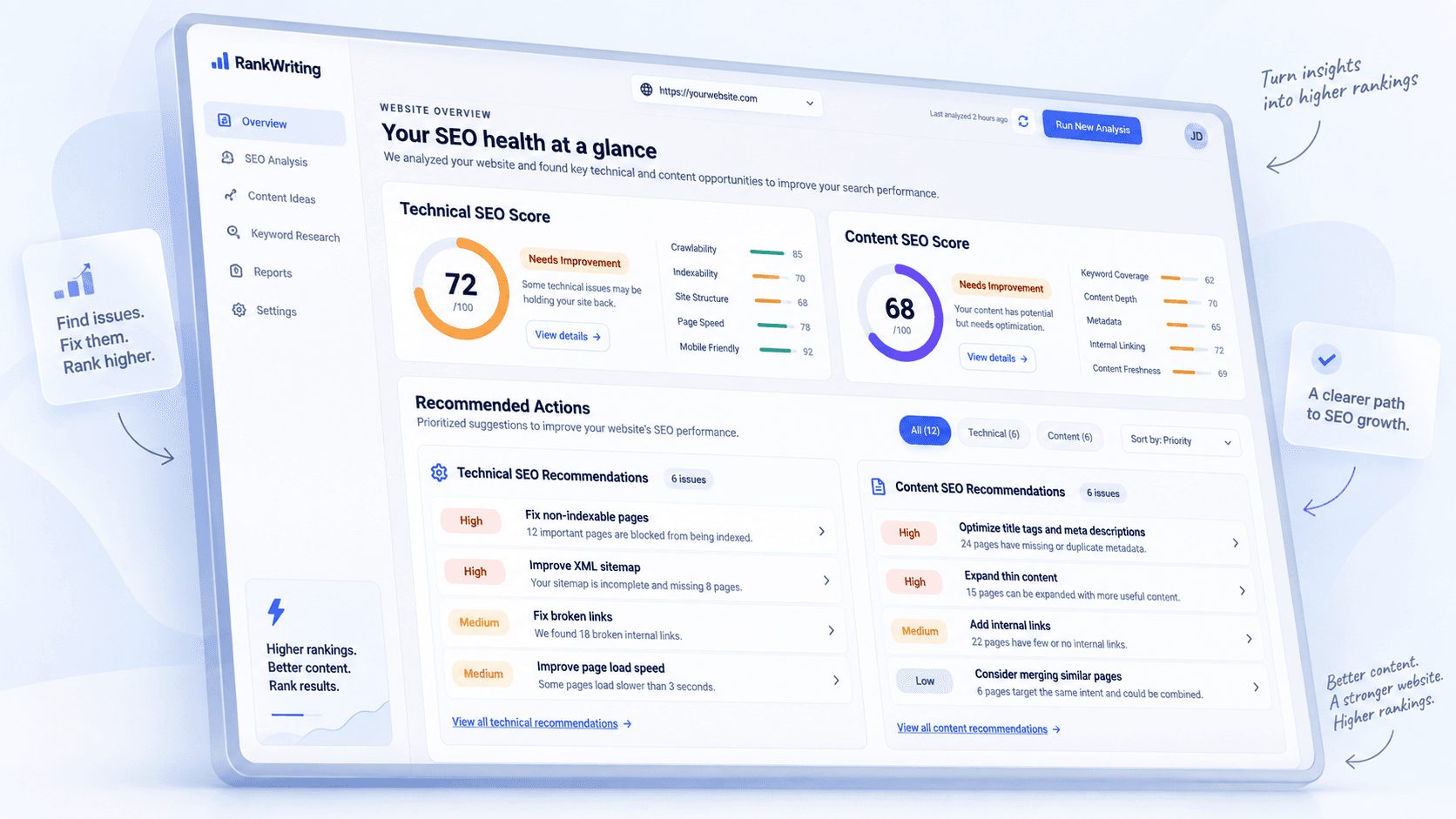
YOUR SITE. YOUR DATA.
One connected workflow.
Sound familiar?
YOUR DATA, WITH DIRECTION
Find the pages that deserve attention. Connect what people search for with how they experience your website—and use both to guide your next update.
Daily impressions · example period
| Page | Impressions | Clicks | CTR |
|---|---|---|---|
| /guides/espresso | 8,200 | 82 | 1.0% |
| /coffee/blends | 3,100 | 93 | 3.0% |
| /about | 1,180 | 11 | 0.9% |
FROM A SIGNAL TO A NEXT STEP
Compare visibility with clicks, then inspect the queries behind the page. That gives your next content update a specific starting point.
Start with the espresso guide: it appears in search, but its click-through rate is lower than the coffee blends page.
Daily sessions · example period
| Page | Sessions | Engaged | Avg. time |
|---|---|---|---|
| /guides/espresso | 680 | 41% | 28s |
| /coffee/blends | 390 | 72% | 1m 12s |
| /about | 170 | 64% | 49s |
FROM A SIGNAL TO A NEXT STEP
Bring landing-page sessions and engagement into the conversation. Explore which pages hold attention and which need a closer look.
The espresso guide has visits but lower engagement. Check whether the introduction answers the question that brought readers here.
Daily clicks · example follow-up period
| Page | Earlier | Later | Change |
|---|---|---|---|
| /guides/espresso | 82 | 96 | +14 |
| /coffee/blends | 93 | 90 | −3 |
| /about | 11 | 12 | +1 |
FROM A SIGNAL TO A NEXT STEP
After a page update, compare later search data with the earlier period. Use the change as a reason to investigate, with dates and context kept visible.
Clicks changed after the update. Compare queries and impressions too; a change alone does not establish what caused it.
BUILD ON A HEALTHIER WEBSITE
Review technical issues alongside your content work. See the affected pages, understand the priority, and decide what to address first.
Check which page should be the preferred version.
Reconnect readers to useful pages on your site.
Make the purpose of important pages clearer.
CONTENT THAT KNOWS YOUR WEBSITE
Your products. Your expertise. Your existing pages. Give every draft a head start with the information that makes your business yours.
Build on your business facts, products, audience, and saved reference material.
Connect new content to relevant pages on your own site, where they help the reader.
Write articles, service pages, and WooCommerce simple-product descriptions.
BLOG ARTICLE · DRAFT
At Northline Coffee, we roast in small batches for the way you brew. A bright filter coffee and a full-bodied espresso need different things from the same bean.
For a balanced espresso, look for a medium roast with enough body to hold up to milk. Our guide to espresso blends explains what to look for.
HOW IT WORKS
A straightforward workflow, with your judgment at every important step.
Add your site, build your brand knowledge, and connect WordPress and your Google data.
Review technical findings and performance. Decide which page to improve or what to write next.
Develop your content using website facts, reference material, and relevant internal links.
Edit and approve the content, then send a WordPress draft. Publish when you are ready.
You stay in control. Read-only Google connections. Approval before sending drafts. Your final publishing decision.
Get the connectorWHY RANKWRITING
ChatGPT and Claude can help you think and write. RankWriting brings your website, SEO data, and content workflow together, so there is less to set up every time.
One place for your
context, content, and next step.
| The work around writing | A general AI workflow | With RankWriting |
|---|---|---|
| Website knowledge | Provide your brand facts, pages, and reference material. | Keep your website information and writing preferences together. |
| SEO analysis | Bring reports or connect your own tools. | Work with technical findings and connected GSC / GA4 data. |
| Content & links | Assemble the brief and relevant links yourself. | Create drafts using your brand knowledge and existing pages. |
| WordPress workflow | Move the draft into your CMS and prepare it for review. | Review, approve, and send an editable WordPress draft. |
LOOKING AHEAD · PRODUCT ROADMAP
We’re developing a closer connection between keyword research, competitor coverage, and your content plan. The aim: a clearer view of what to write, expand, or connect next.
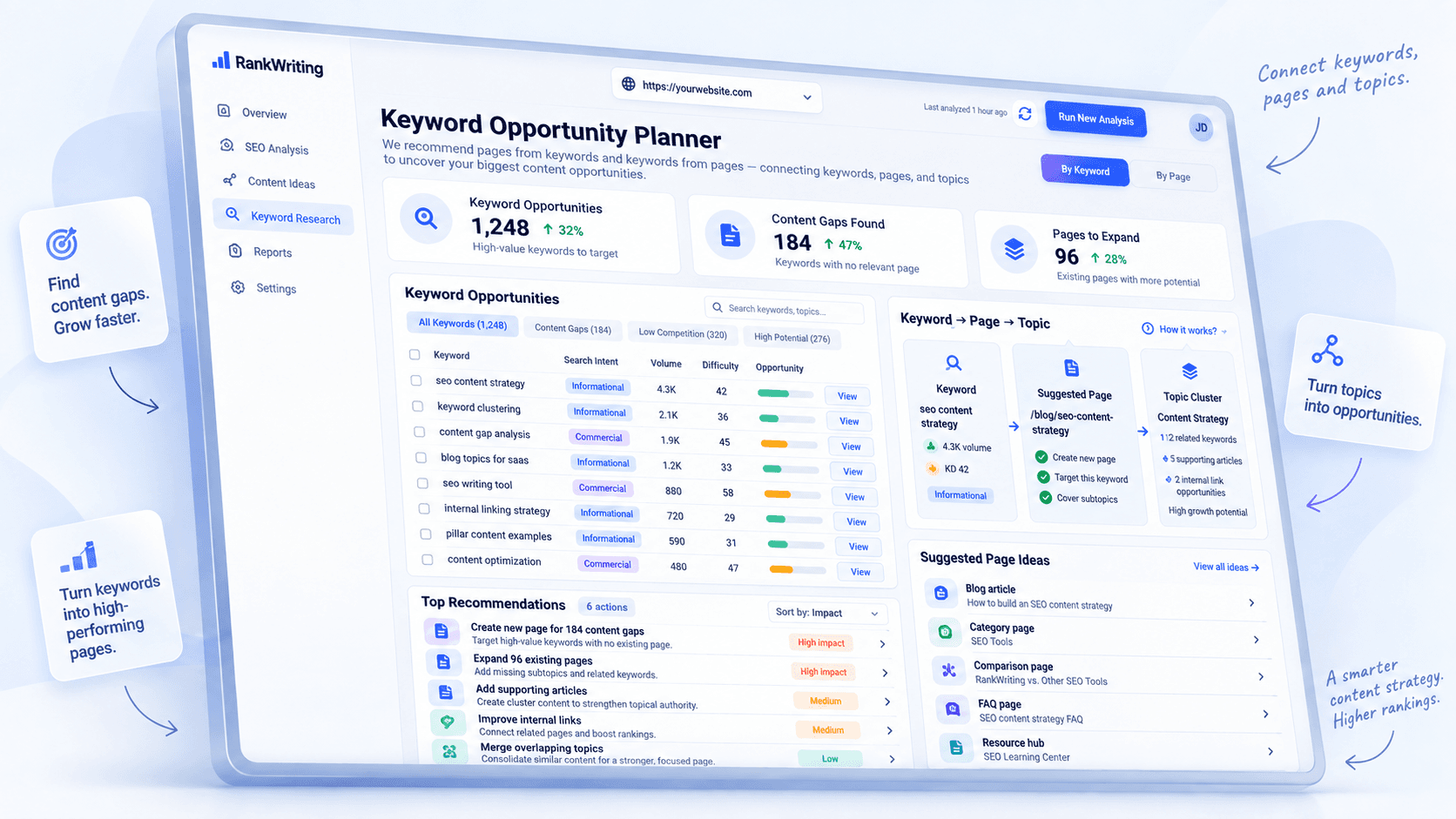
Bring keyword candidates and search intent into your planning.
Compare topics across your pages and competitor references.
Connect a topic to a new page, an existing article, or a useful internal link.
BUILT AROUND YOUR WORK
Keep your content work focused on the business and audience behind each site.
Refresh existing articles, develop useful new topics, and connect related content without losing your editorial voice.
Blogs & editorial contentTurn your services, customer questions, and business knowledge into clear pages that help visitors understand your offer.
Service & website pagesBring product information into descriptions and supporting articles, then review simple-product drafts before publishing.
Product content & buying guidesSIMPLE, CLEAR PRICING
Try your first article for free. Choose a monthly plan when you need more content or more websites.
$0 / forever
Get to know the workflow.
$49/ month
Build a steady writing routine.
$129/ month
Grow across several websites.
$299/ month
Manage a wider site portfolio.
One standard article uses one credit. Editing sections does not use an additional article credit. Plan details
A FEW COMMON QUESTIONS
A closer look at the workflow, your data, and what to expect.
General AI is useful for brainstorming and writing. RankWriting brings the surrounding work together: your website information, technical findings, connected search and analytics data, internal links, and WordPress drafts. You spend less time assembling context and moving between tools.
The free plan includes one website and one lifetime article credit, so you can try creating content with your website context. It does not require a credit card. Paid plans add monthly article credits and, on Growth and Agency, more websites.
The reviewed WordPress draft workflow asks for your approval before sending content. You can edit the draft in WordPress and decide when to publish. Google Search Console and Google Analytics connections are read-only.
You can create blog articles, website-page copy, and WooCommerce simple-product descriptions. Your website information, reference material, and writing preferences help shape the content. Review generated facts and copy before publishing.
Start by adding your public website. Use the RankWriting WordPress plugin to connect the draft workflow. Connect Search Console and GA4 for the selected site, then sync the data you want to use for analysis.
RankWriting currently focuses on WordPress and WooCommerce. Shopify support is planned, but is not available today.
YOUR NEXT STEP
Bring your business knowledge. Create your first article. See the difference context makes.
Start free. No credit card required.